33 Checkpoints: quality printing at the speed you need.


All Products
Marketing Materials
Business Essentials
Appointment Cards
Business Cards
Carbonless Forms
Direct Mail
EDDM
Envelopes
Key Card Holders
Letterhead
Loyalty Cards
Mailing Services
Plastic Business Cards
Round Business Cards
Presentation Folders
Self-Seal Envelopes
Silk Presentation Folders
Square Business Cards
Standard Business Cards
#9 Envelopes
#10 Envelopes
Boxes & Packages
Labels & Stickers
Banners, Posters & Signs
Promotional Items
All Products


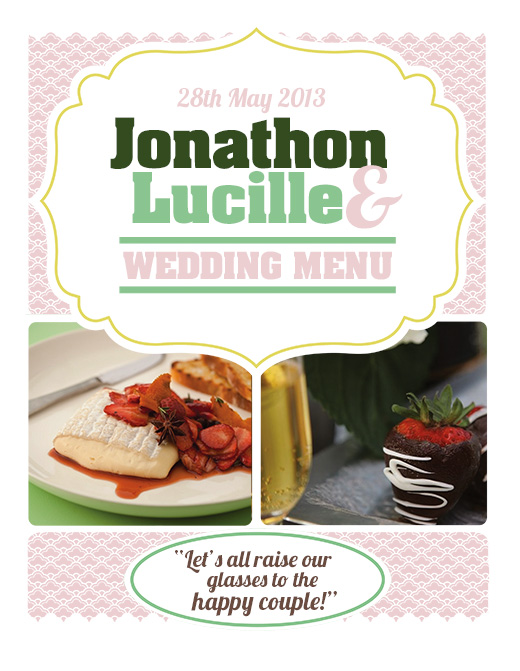
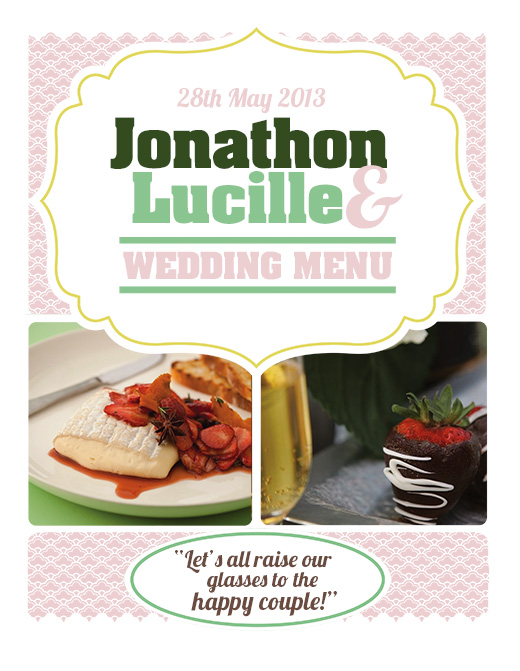
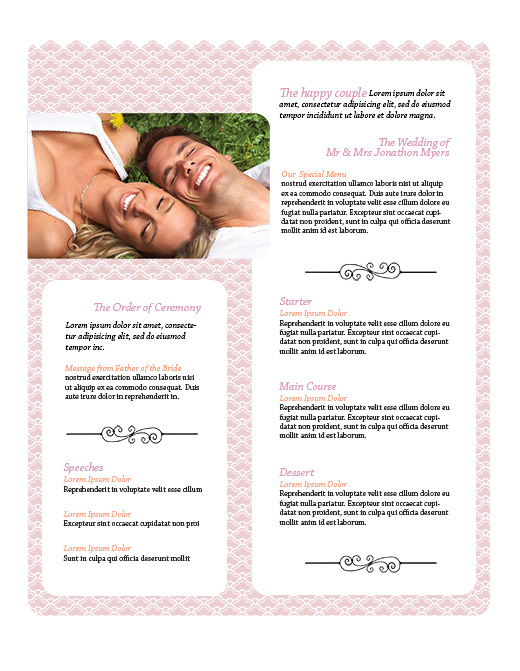
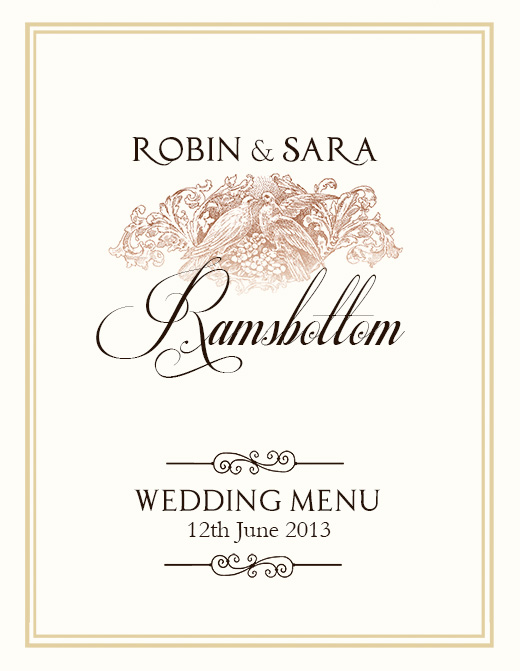
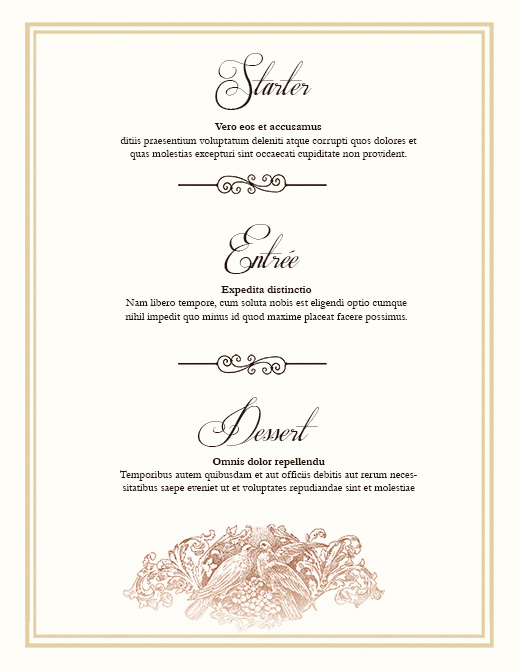
I downloaded the free wedding menu template but I can’t customize the info on it. How do you do that? Thank you.
Hi Linda, make sure your layers menu is turned on in Photoshop (windows>layers) You will see a number of editable layers that you can use your text tool to highlight and change. You can also replace the image layers (photos) with your own. You may need to download the correct font or change the font to one of your own to make them editable. Here is a list of the fonts used template 1: aachen bold – http://www.fontpalace.com/font-details/Aachen+Bold+Plain/, lobster font – http://www.dafont.com/lobster.font Chapparal -pro – http://www.identifont.com/show?2E3 Template 2: The Princess and the Frog Font – http://www.fontspace.com/juan-e-b/princess-and-the-frog, Respective Font – http://www.dafont.com/respective.font, Garamond – //cooltext.com/Download-Font-Garamond. I hope this info helps. Let me know exactly what your issue is, and I’ll be happy to help you.